A form builder is one of the most important tools for any WordPress site. The right form plugin can make a big difference in how easy it is for people to fill out forms and how well you get the information you need, whether you’re collecting leads, processing payments, or managing event registrations. But how do you choose the best one when there are so many?
In this post, I’ll go over the best WordPress form builder plugins, what makes each one different, how much they cost, and when you might want to use them. I have used each of these plugins myself, so you can be sure that the comparison is based on real use.
Choosing the Right Form Builder Plugin for WordPress

There are a few things to think about when picking a form builder plugin for your WordPress site. Check this list for things to watch out for:
- Easy to Use: The interface needs to be easy to use. You shouldn’t have to dive into complicated coding to build simple forms.
- Customization: Customizable design and functionality ensure that the forms blend easily with your website’s look and purpose.
- Integrations: Pick a plugin that works with your email marketing platforms, CRMs, payment gateways, and other tools.
- Pricing: Some plugins are free, but others have premium features that are worth the money. We’ll explain the cost of each plugin.
- Support and updates: Make sure the plugin you choose has good customer support and gets regular updates so they work with the latest version of WordPress.
Best Form Builders for WordPress [Updated for 2026]
Here’s the quick overview of the top form builder plugins for WordPress.
| Form Builder Plugin | Free Version | Pricing | Best For |
| Bit Form | ✅Yes | $29/year | Lightweight, Affordable & Advanced features for free |
| Gravity Forms | ❌No | $59/year | Advanced Features, Developers |
| Contact Form 7 | ✅Yes | Free (advanced features require additional add-ons). | Basic, Free, and Open-Source Forms |
| Formidable Forms | ✅Yes | $39.50/year | Developer & Agencies |
| Ninja Forms | ✅Yes | $59.40/year | Modular Pricing & Customizable Add-Ons |
| WPForms | ✅Yes | $49.50/year | Beginners & Small Businesses |
Now that you’ve seen a quick comparison of some of the most popular WordPress form plugins, let’s dive deeper into each one.
Bit Form
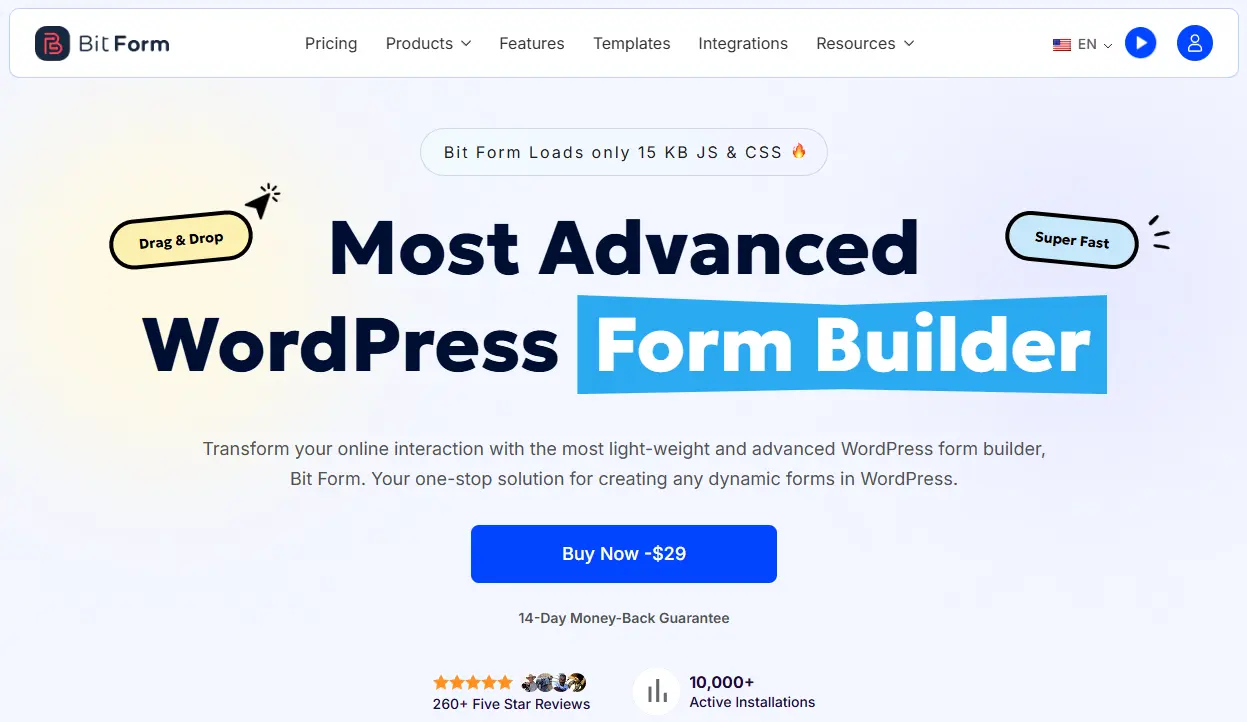
If you’re looking for something lightweight, affordable, and incredibly easy to use, Bit Form should be at the top of your list. I’ve personally found it perfect for those who need a straightforward form without overcomplicating things. Whether you’re building a simple contact form or a multi-step form, Bit Form delivers the speed and efficiency you need.
I especially like how much you get in the free version. Repeater fields, calculations, and solid conditional logic are there from the start.
Key Features
- Drag-and-Drop Form Builder
- Multi-Step Forms with flexible control
- 50+ Form Fields
- Advanced Conditional Logic (If / Else / Nested)
- 50+ native integrations for free
- Webhook Support
- Progress Indicator in steps
- File Upload and live Preview
- Spam Protection (reCAPTCHA, hCaptcha, Turnstile, Honeypot)
- Payment Fields (Stripe, PayPal, Razorpay, Mollie)
- Email Notifications with PDF
- Dynamic Field Values & Smart Tags
- Global & Individual Style Editor
- Advanced Calculation & Math Functions
- Partial Submission & Form Abandonment Tracking
- Mobile-Responsive Layout Control
Pricing
Free version handles most basic-to-medium needs. Pro starts at $29/year for one site with all premium features. Higher plans go up for more sites.
Gravity Forms
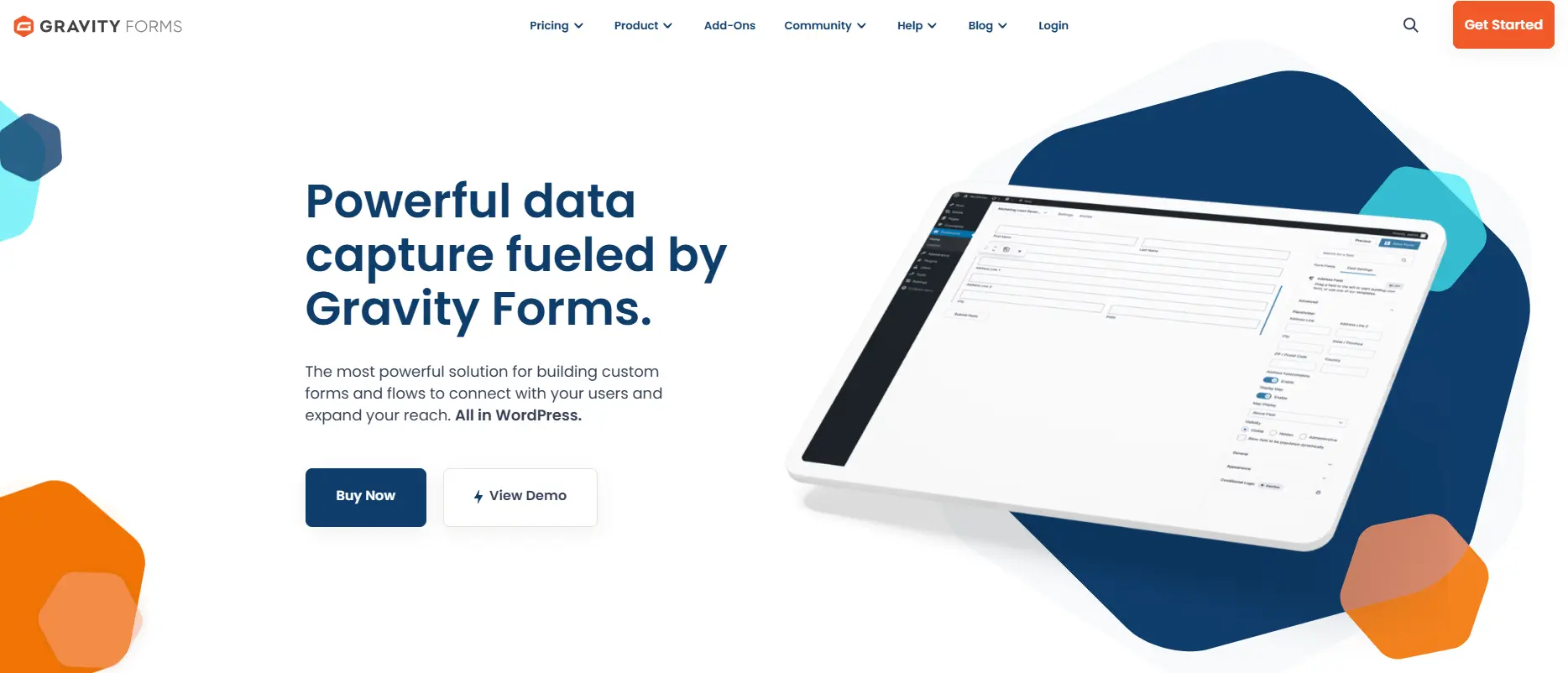
Gravity Forms is a premium WordPress plugin that has been a top choice for developers for a long time. It has a lot of official add-ons and a lot of third-party integrations, so you can make very customized form solutions that meet your specific needs.
I’ve built everything from simple surveys to full membership applications with it. It just works, every time. There’s no free version, but the quality justifies the cost for serious projects. Developer hooks and add-ons make it endlessly extensible.
Key Features
- A visual form builder
- 30+ form fields
- Conditional Logic
- File Uploads with multi-file support
- Spam Protection (reCAPTCHA, Akismet, Honeypot)
- Integration with CRM, Email Marketing, and more
- Conversational style forms
- Wide range of addons for payments, surveys, and more.
- Hooks and functions that let developers extend the plugin’s features
Pricing
Starts at $59/year for the Basic license (1 site, core add-ons). Pro ($159/year) and Elite ($259/year) add more sites and premium add-ons.
Contact Form 7

If you’re just starting out with WordPress and need a basic form builder, Contact Form 7 is the way to go. It’s completely free, easy to set up, and integrates well with other WordPress plugins. However, its simplicity might not suit users who need more advanced features.
Key Features
- Free and open source
- Unlimited forms & submissions
- Form styling via CSS and HTML
- Powerful spam protection with Google reCAPTCHA and Akismet
- Multiple form fields like text, email, file uploads, and more
Pricing
Free forever.
Formidable Forms
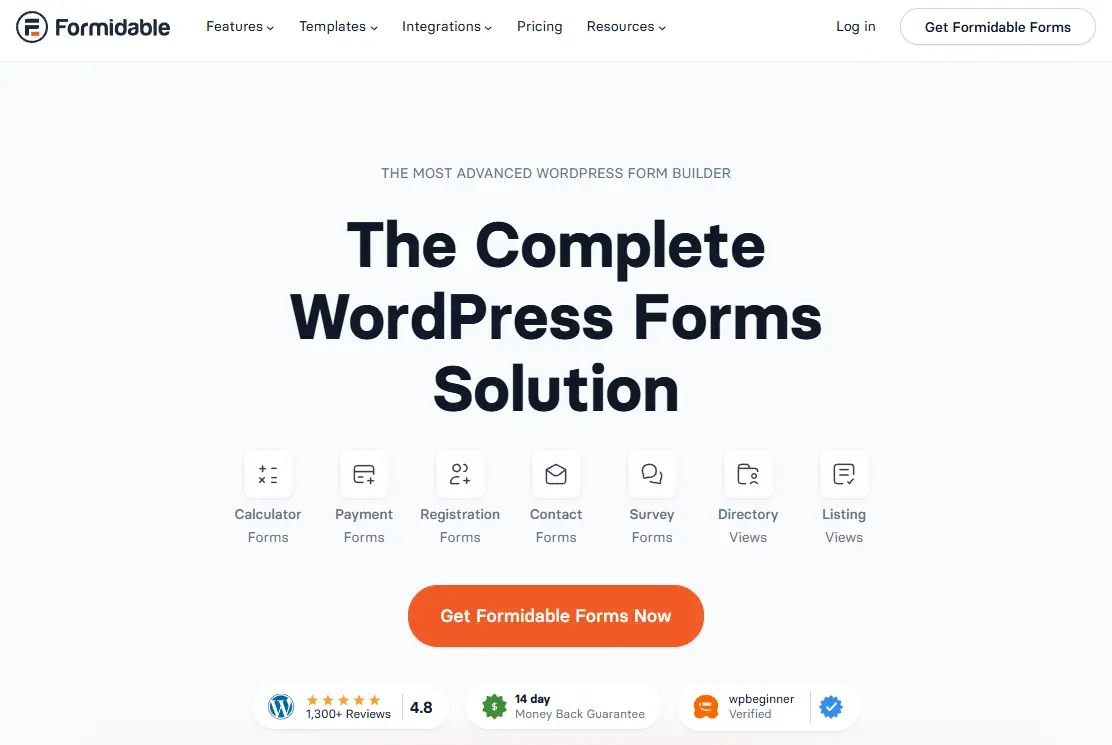
If you need more than just a simple form, Formidable Forms offers advanced features for building complex forms like calculators, surveys, and job applications. This plugin makes it easy to create forms with powerful calculations, file uploads, and conditional logic, which is something I often turn to for clients who need custom solutions.
I discovered Formidable Forms’ true power when a client needed a member directory. Users would submit information through a form, and that information would automatically display in a filterable, searchable directory on the frontend. No custom development required.
That’s where Formidable Views comes in. It’s the feature that sets this plugin apart.
Key Features
- A drag-and-drop form builder with flexible options
- Unlimited forms and submissions
- Multi-page forms
- Third-party integrations
- Conditional Logic
- 300+ pre-built templates
- Email notifications and form autoresponders
- Fully responsive forms
- Supports quizzes, survey forms
Pricing
Pro plans start around $39.50 first year (Basic) and scale up to Elite for unlimited sites.
Ninja Forms

Ninja Forms is another user-friendly form builder that’s perfect for beginners. But it takes a different approach to pricing and features. Instead of forcing you into bundles where you pay for features you don’t need, Ninja Forms offers a powerful free core with optional paid extensions. Buy only what you need, when you need it.
I appreciate this model for clients with specific requirements who don’t want to pay for a complete package.
Key Features
- Drag & Drop Builder
- Unlimited Forms & Submissions
- 27+ Form Fields
- Conditional Logic
- Form Customization options
- Email marketing and CRM integrations
- Success Messages and Redirects
- Spam Protection
Pricing
The core plugin is free. Individual add-ons $29 – $129, or bundled plans starting at $59.40/year.
WPForms
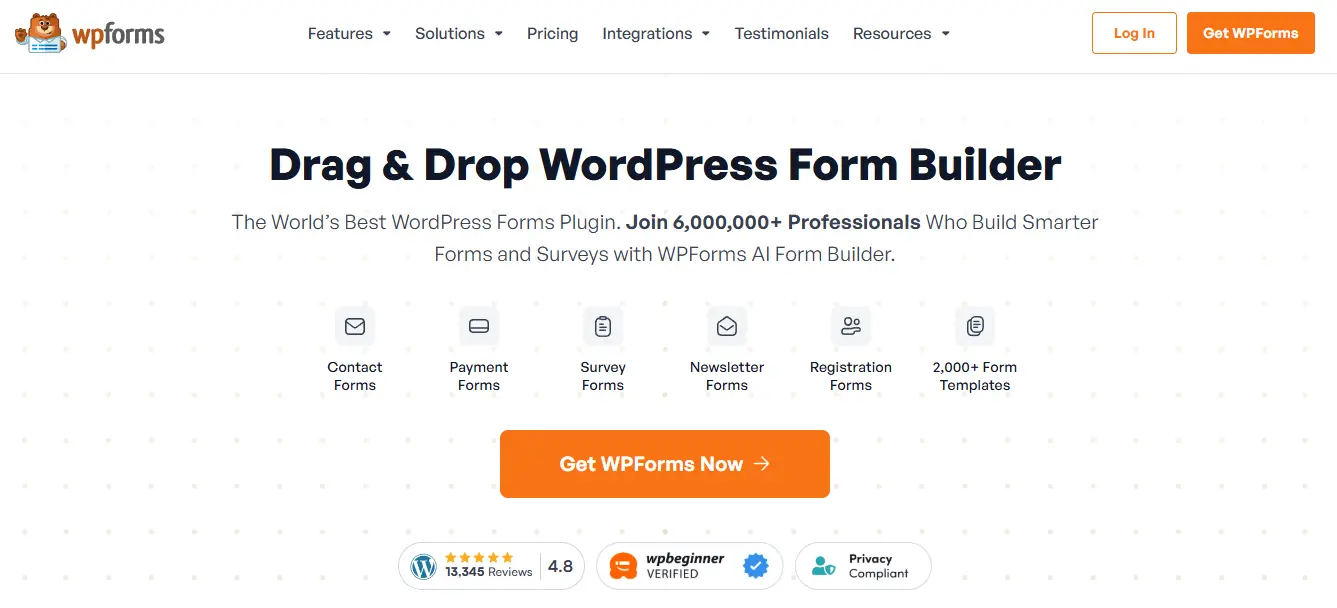
WPForms was the plugin that got me away from coding forms by hand years ago. The plugin has a drag-and-drop interface that is easy to use for everyone, no matter how tech-savvy they are. It also has an impressive library of over 2000 templates for different uses.
However, the plugin follows a freemium model with WPForms Lite available in the WordPress repository and premium plans offering advanced features.
Key Features
- Drag and drop form builder
- Mobile responsive forms
- Advanced features like conditional logic, payments, surveys, and polls
- Email notifications
- Spam protection
- Multi-page form with progress bar
- Pre-built Templates
- Conversational Forms
- Entry Management
- Integrations with popular CRM and email marketing services
- Support for custom field types
Pricing
Paid plans start at $49.50/year (Basic) and go up depending on sites and add-ons.
Making Your Decision: Which Plugin Is Right for You?
It’s not about finding the “best” plugin when you choose a WordPress form builder. It’s all about finding the right plugin for your needs.
Choose Bit Form if you’re obsessed with site performance, need advanced features without breaking your budget, want lifetime pricing to avoid recurring costs, or require 50+ integrations for free.
Choose Gravity Forms if you’re a developer making complicated solutions, need enterprise-level reliability and support, and need the most powerful conditional logic available.
Choose Contact Form 7 if you know basic HTML, want a free solution with no limits, care more about how well your site works than how it looks, or need the most flexibility without being locked into a vendor
Choose Formidable Forms if you need to show form data in directories or listings, want to make data-driven apps in WordPress, need to do advanced calculations, or need to create posts from submissions on the front end.
Choose Ninja Forms if you like modular pricing and only want to buy what you need, have specific needs that don’t fit standard bundles, want to be able to choose features, or need a free version that is big enough to grow.
Choose WPForms if you want the perfect balance of power and ease of use, need 2000+ templates to speed up development, prefer drag-and-drop simplicity, or want beginner-friendly forms without sacrificing professional features.
Final Thoughts: Your Forms Deserve Better
It’s very important to get forms right. People use them to get in touch with you, sign up for events, buy things, apply for jobs, join your community, and take advantage of your offers. When forms break or frustrate users, you lose opportunities forever.
I’ve seen companies lose thousands of dollars in sales because their form crashed when they were launching a new product. I’ve watched nonprofits miss out on donations because the payment form was confusing. I’ve helped rescue websites from form plugins that promised the world but delivered disaster.
The plugins in this guide all work. They’re all legitimate solutions built by reputable developers. Your job isn’t to find the “best” option. It’s to figure out which plugin best fits your needs, level of technical comfort, budget, and long-term goals.
First, make sure you know exactly what you need. Don’t pay for things you’ll never use. Don’t settle for free if your business requires paid functionality. Don’t choose based solely on price or solely on features.
Test before committing. Then make your decision confidently, knowing you’ve chosen the right tool for the job. Your forms are the bridges between you and your audience. Build them well.
Frequently Asked Questions
1. Can I integrate my form builder with email marketing tools?
Yes, all plugins offer integrations with popular email marketing services like Mailchimp, Constant Contact, and more.
2. Do I need to know how to code to use these plugins?
No, most of these plugins, including Bit Form, Formidable Forms, WPForms, and Ninja Forms, offer drag-and-drop builders that require no coding knowledge.
3. How do I create a contact form in WordPress?
Use a plugin like Bit Form or WPForms, then simply install it, create a new form, and embed it using a shortcode or block.
4. How can I integrate my form plugin with my email marketing tool?
Many form plugins like Bit Form, Gravity Forms, Formidable Forms, and Ninja Forms offer native integrations with email marketing services like Mailchimp, HubSpot, and others through their add-ons or API.
5. How can I prevent spam submissions in WordPress forms?
Use spam protection tools like Google reCAPTCHA, hCaptcha, or Honeypot, which are available in most major form plugins like Bit Form and WPForms.